

Analyze Your Research Data With AI — No Experience Needed

research data analysis ad img

Learn to do it yourself in 2 hours — using Excel, SPSS, Jamovi and AI tools — for just ₦9,900

If you’re a final-year student, postgraduate researcher, or lecturer who needs to analyse research data — you already know how expensive and confusing this process is.

Data analysts in Nigeria charge HUGE amount of money for one project. SPSS tutorials on YouTube take hours and still leave you stuck.

This course gives you everything you need to do it yourself — completely and confidently — in one afternoon.

Does any of this sound familiar?

  • You’re confused about how to collect research data?
  • You’ve submitted your questionnaire and collected your data — but now you’re completely stuck on what to do with it.
  • You searched YouTube for hours and still don’t understand which test to run.
  • Someone quoted you ₦80,000+ to do the analysis and you can’t afford it.
  • Your supervisor is asking questions you don’t know how to answer.

This course solves every one of these problems.

Why Learn From Me?

Over 160 students have already completed this course and submitted their research successfully. I’ve been a computer science lecturer since 2013 and have supervised dozens of undergraduate and postgraduate research projects. I built this course because I know exactly where students get stuck — and exactly how to explain it simply.

What You’ll Learn

After this course, you will be able to:

  1. Understand the statistical concepts behind your research data — without memorising formulas.
  2. Organise and clean your raw survey or questionnaire data in Excel from scratch.
  3. Run descriptive statistics (mean, median, mode, charts) in Excel and know exactly what they mean.
  4. Conduct inferential tests — t-tests, ANOVA, correlation, regression, chi-square — in SPSS with confidence.
  5. Use Jamovi as a simpler, faster alternative to SPSS for the exact same tests.
  6. Use AI tools to interpret your results in plain English and write them up for your thesis.
  7. Present and report your findings professionally in a way your supervisor will approve.
  8. Apply every tool using real, practical examples drawn from education, social sciences, business, and health sciences — so you see exactly how it works for your own field.

Why choose this course?

  • No statistics background needed — the course starts from zero and builds up step by step.
  • Covers the exact tools researchers actually use — Excel, SPSS, Jamovi, and AI tools.
  • Just 2 hours 23 minutes — you can finish it in one sitting and start applying it the same day.
  • Works for many disciplines — education, business, social sciences, and health sciences,  all covered with real examples.

⏰ LIMITED TIME OFFER

  • This course is currently available for ₦9,900.
  • Price increases to ₦25,000 very soon.
  • Enroll now and lock in the lower price — forever.

🛡️ 7-Day Money-Back Guarantee

If you complete this course and feel it wasn’t worth it, just send me a message within 7 days, and I’ll issue a refund.
No questions asked. I’m that confident in what I’ve built.

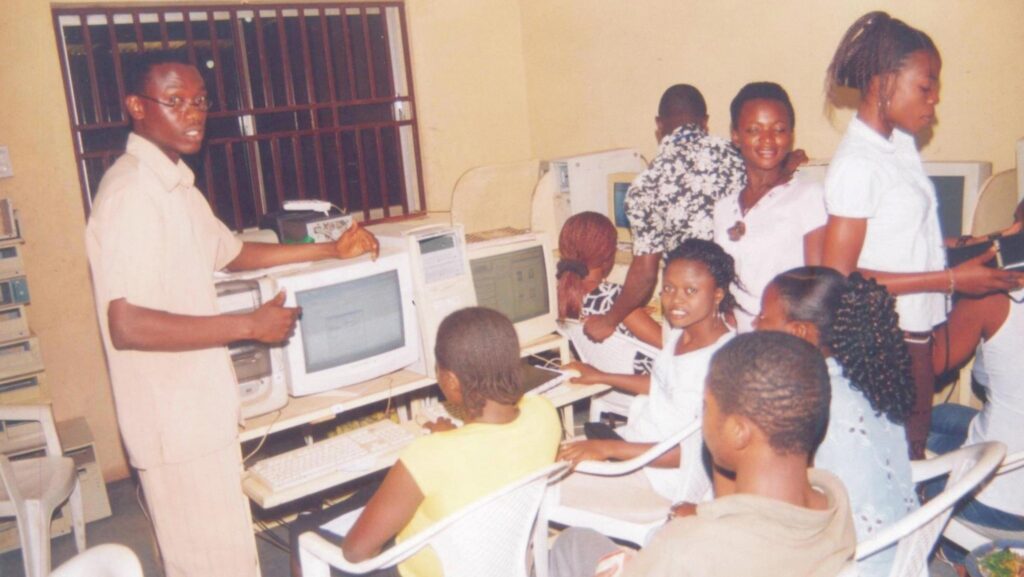
Pat and his trainees

Pat and his trainees in 2008

Pat and his candidates

Pat and his candidates in 2019

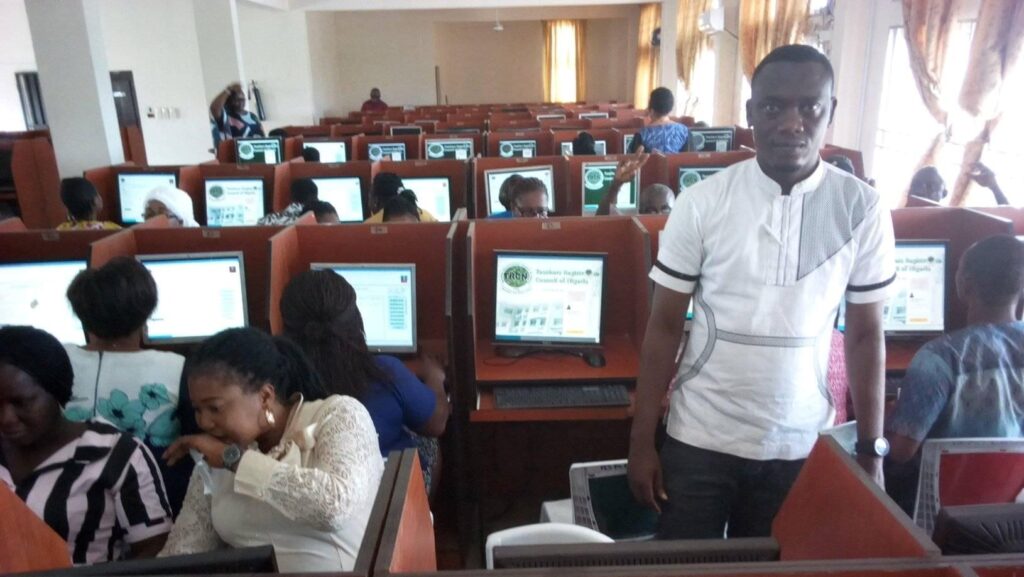
Pat and his supervisees

Pat and his supervisees in 2024

Customers Reviews

I didn't know anything about research data analysis before this course. Pat explained it in a way I finally understood. I have now completed my data analysis

how to find online teaching jobs
Blessing
Undergraduate
Before this course, I was struggling with SPSS and couldn't understand which test to use. After taking it, I was able to understand my data and results.

benefits of remote learning
kennis
student-researcher
whatsapp testimonial for da1
data analysis testimonial 3
data analysis testimonial 4

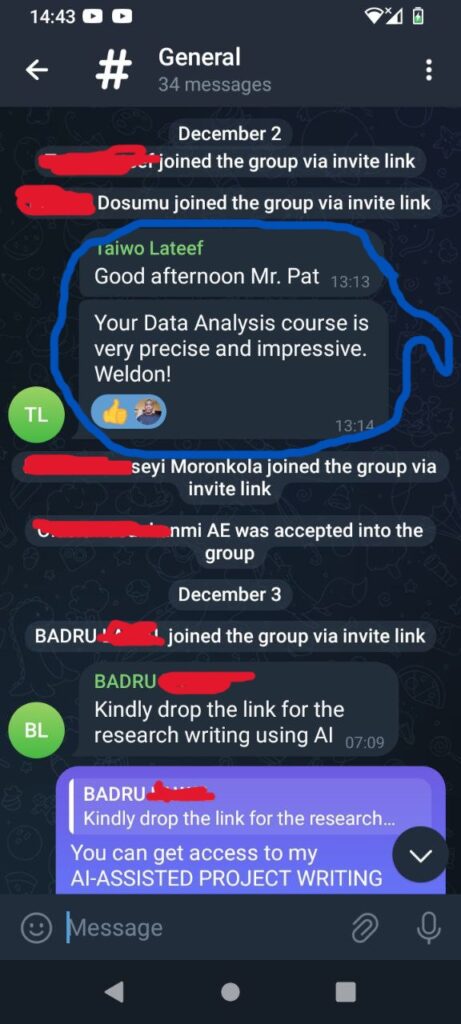
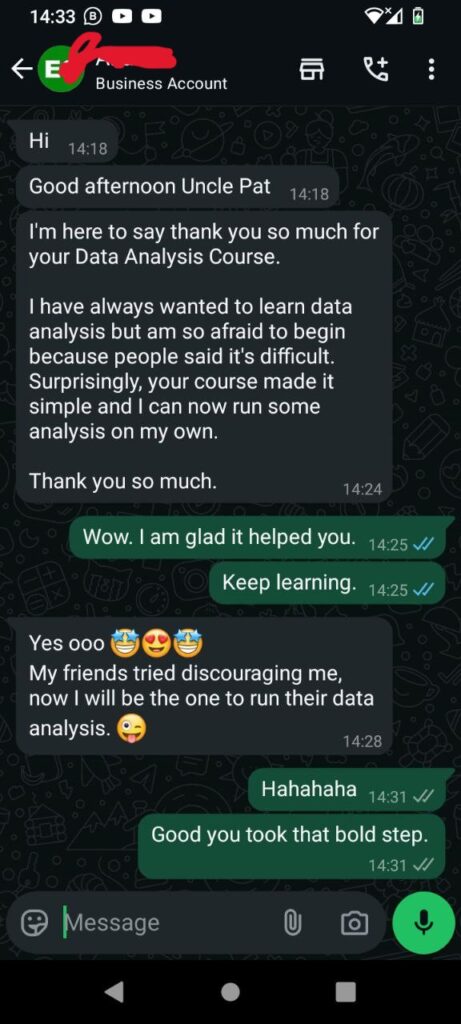
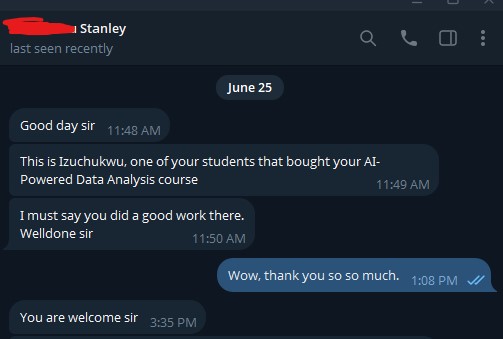
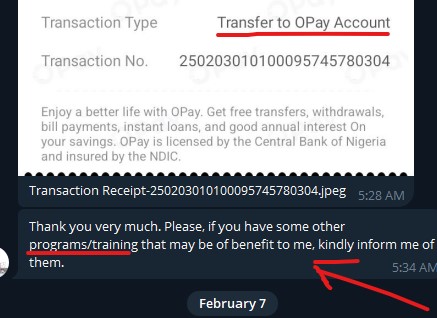
Find other numerous positive reviews in the classroom.

Who Is This Course For?

This course is perfect for:
✅ Undergraduate or postgraduate students.
✅ Final-year researchers.
✅ Educators, supervisors, and scholars.
✅ Anyone who wants to analyze data and write clear research reports confidently

🎥 Course Format

  • Step-by-step video tutorials (no long boring lectures).

  • Real-world research data examples from education, social sciences, business, and health sciences.

  • Easy-to-follow walkthroughs — even if you’re new to stats

  • Downloadable datasets and resources.

Pat Ugwu Profile

About the Author:

The instructor, Pat Ugwu is a graduate and Master's Degree holder of Computer Science Education. He has been a computer instructor since 2004, and a lecturer since 2013. Pat has supervised many undergraduates project works and has also assisted post-graduate students with their academic research works. Click to learn more about the author. Pat created this course because he watched students pay huge sums to data analysts for work they could easily do themselves with the right guidance.

❓ Frequently Asked Questions

Q: Do I need any statistics background before taking this course?
A: Absolutely not. The course starts from zero and builds up step by step. If you can use a phone and a laptop,
you’re ready.

Q: I’m not a science student — will this work for my discipline?
A: Yes. The course covers real examples from education, business, social sciences, and health sciences. Whatever your field, you’ll find relevant examples.

Q: I’ve already collected my data. Is it too late to join?
A: Not at all — this is actually the perfect time. The course will show you exactly what to do with the data you already have.

Q: What if I get stuck after enrolling?
A: You’ll have access to the private Telegram classroom where you can ask questions and get support. You’re not on your own.

Q: Is this for undergraduate or postgraduate students?
A: Both. Whether you’re writing a final year project or a master’s thesis, this course covers what you need.

Q: How do I access the course after payment?
A: Immediately after payment, you’ll receive an invite link to a private Telegram classroom with all 22 video lessons — accessible forever.

Q: What tools do I need?
A: A laptop with Excel installed. SPSS and Jamovi are both free to download and the course shows you exactly how to set them up.

After payment, you'll automatically access the course immediately, plus a support group for further Q&A.